Invite clients at reception
Use your QR code or NFC stand on the counter. A new client joins once and can save a branded pass to their phone's Wallet.
FiveStar Loyalty for salons & barbers
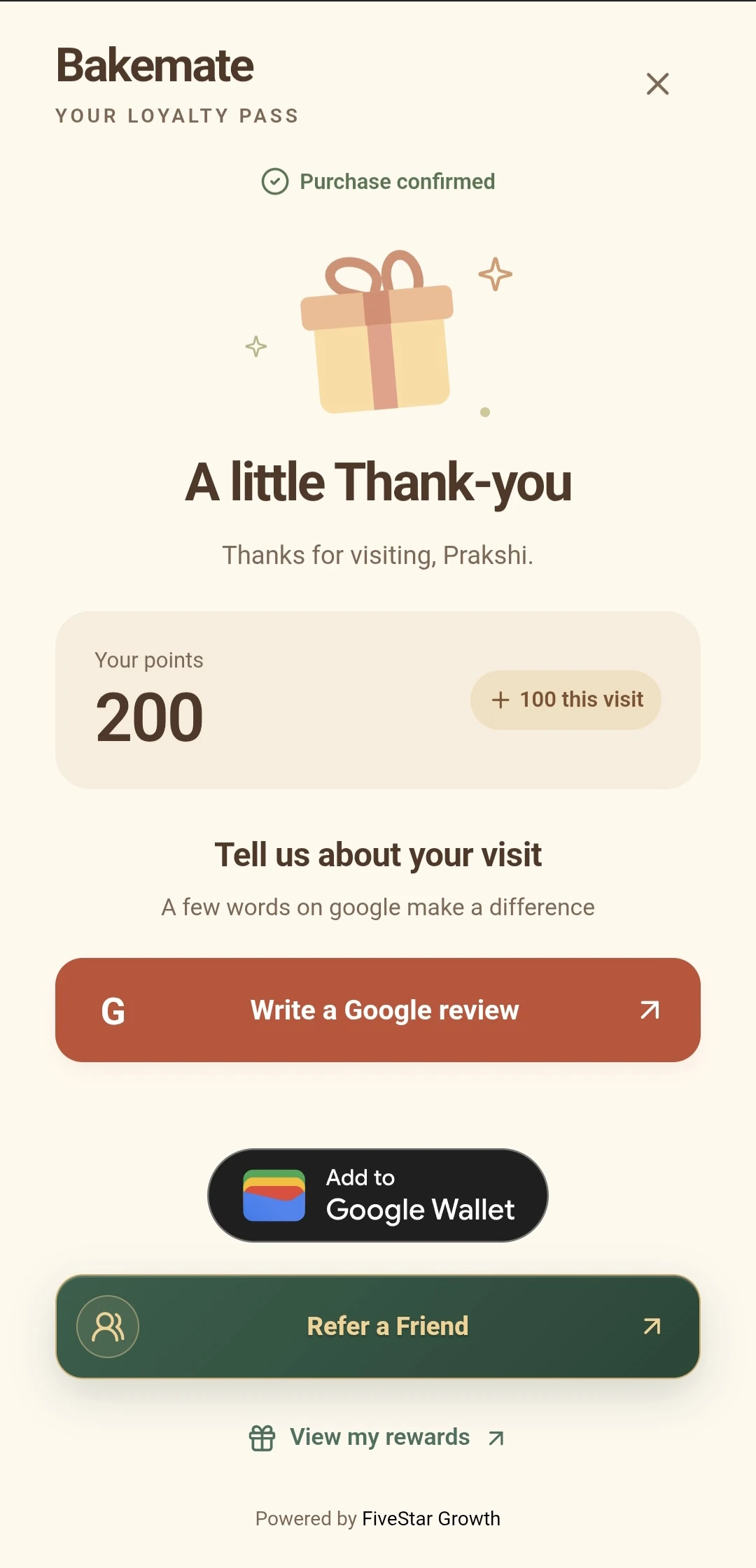
A client can join at reception or checkout without installing another app. After a paid visit, an approved team member records the purchase. The client's Wallet pass keeps their progress close for the next appointment.
Choose a reward that fits your services: a visit-based stamp after a set number of cuts, or points based on eligible spend across different treatments. Staff confirm the completed visit; booking an appointment alone does not earn a reward.
A realistic counter workflow
Use your QR code or NFC stand on the counter. A new client joins once and can save a branded pass to their phone's Wallet.
After the appointment, staff confirm the sale on an approved checkout device. Points or stamps update from that confirmation.
Clients can see progress towards a chosen reward. Your team verifies and redeems it when they next visit.
The earning rule, reward and approved devices are set during your programme setup. See the complete product flow.
Choose a useful reward
A haircut and a long treatment need not earn identical value. Decide whether visit stamps or spend points fit your price list, then set a threshold your team can explain without a script.
Use the reward cost calculator to test your own assumptions. It does not set the reward for you or send your inputs anywhere.
Starter suits a single reward tier. Loyalty adds daily text Wallet updates and access to optional referrals or gift vouchers. Campaign adds multiple reward tiers, email campaigns, picture Wallet updates and automatic inactive-customer reminders.
Compare current plans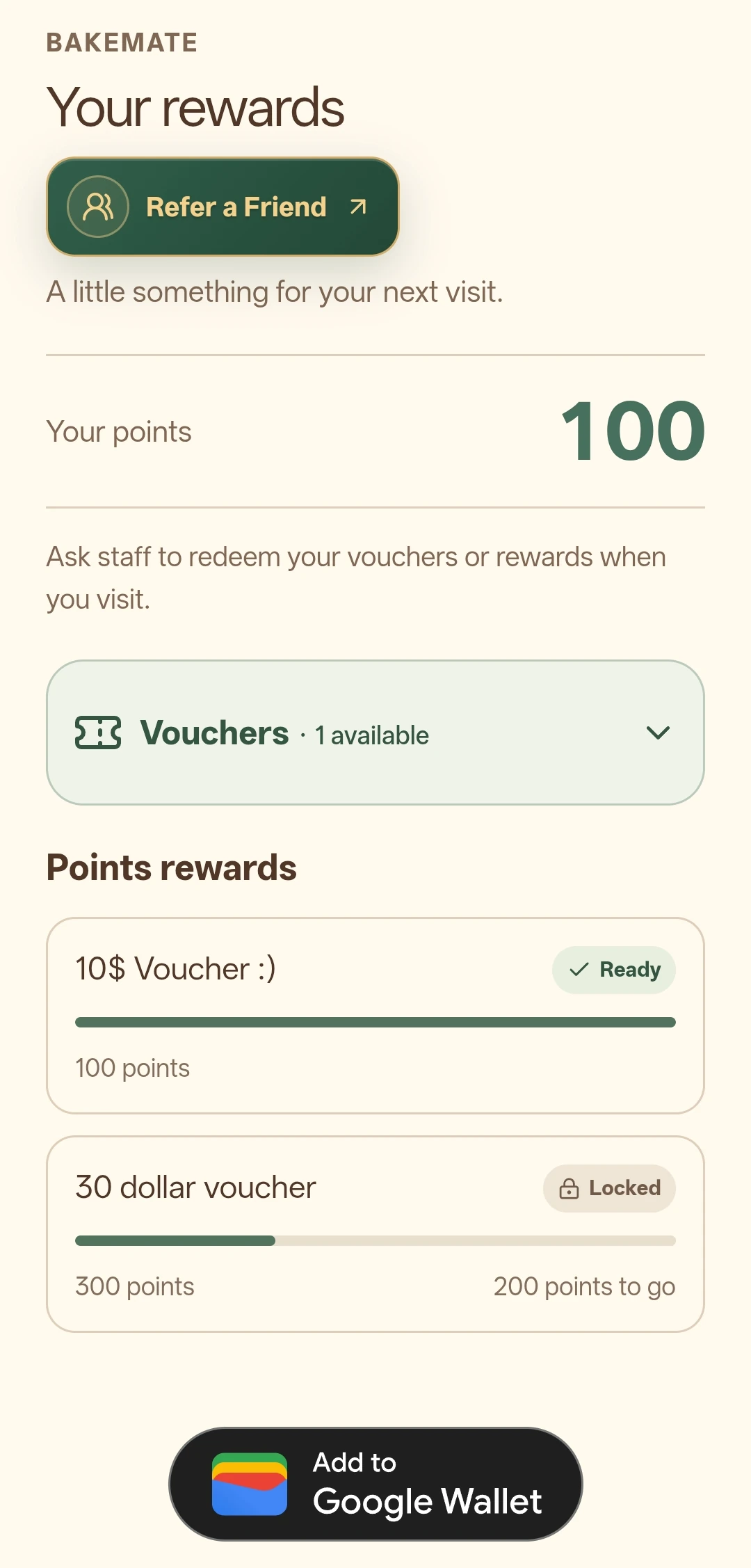
Keep the promise clear
Features and limits depend on the current plan, add-ons, branch setup and customer eligibility. The plan comparison gives the current included features and prices.
Practical questions
No. Points or stamps follow the staff-confirmed purchase, not a booking or a visit to the signup page.
Yes. The signup is a web page, and the pass can be saved to Apple Wallet or Google Wallet.
Campaign includes automatic inactive-customer reminders, subject to the product's current eligibility, consent and sending controls.
Your next step
Explore a related business guide, or use the pricing page to choose the features that fit your team.