1
Join at the counter
Put an NFC stand or QR code by the till. Customers tap or scan, then sign up once on your branded page.
FiveStar Loyalty · Made for local businesses
Your brand in their Wallet. Rewards they can look forward to. Give customers a reason to return—and an easy way to bring a friend.
Digital loyalty cards for Christchurch and New Zealand businesses.
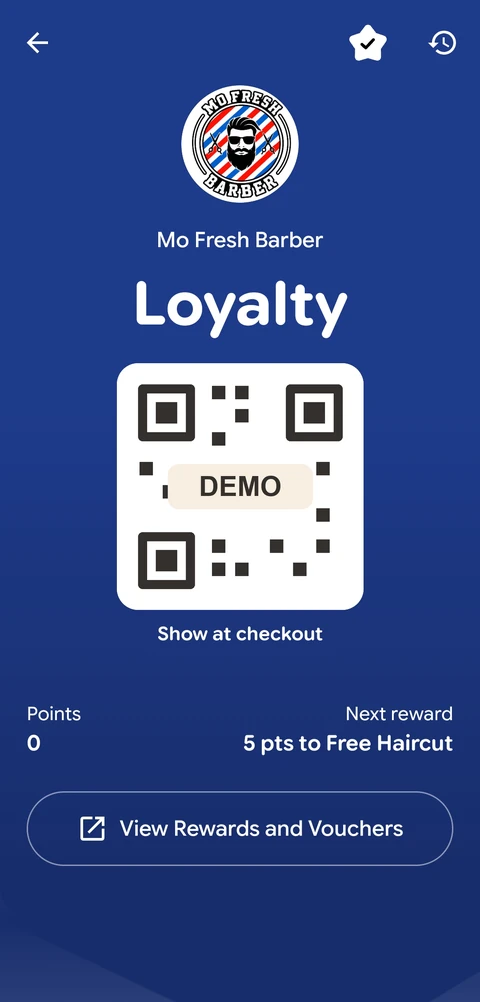
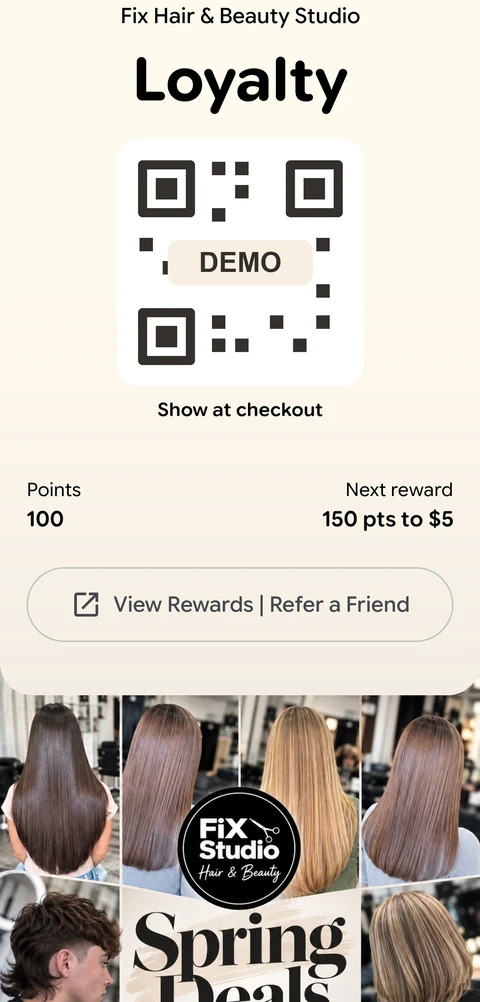
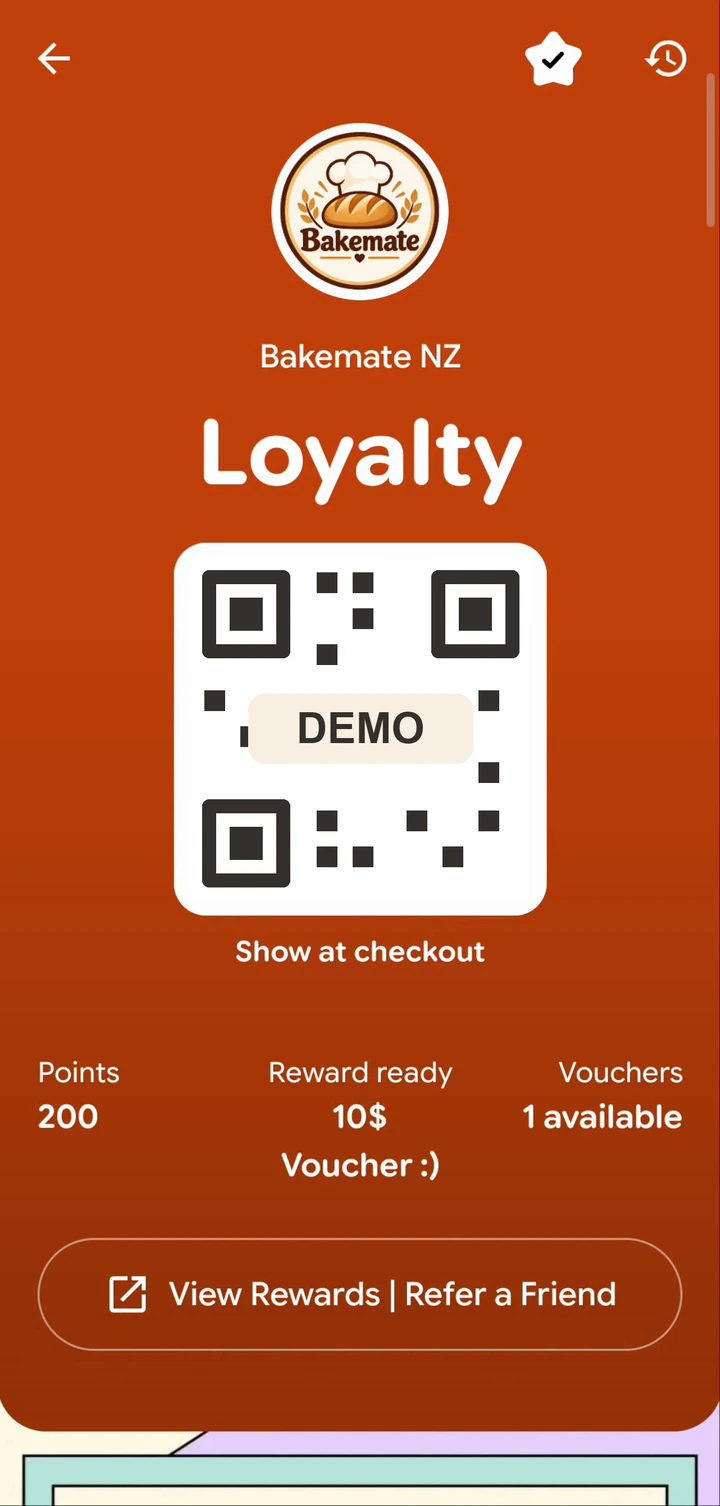
Real passes from cafés, barbers and salons.
Cafés & bakeries
•Barbers & salons
•Retail
•Restaurants
•Local services
How it works
Put an NFC stand or QR code by the till. Customers tap or scan, then sign up once on your branded page.
Staff confirm each purchase to add points or stamps. Customers show their Wallet pass at the next checkout—no paper card to remember.
Customers see their available vouchers on their phone. Your team redeems the chosen reward when they return.
Customer screens shown in full. Reward amounts are examples you can configure for your business.
Google review requests
After a confirmed purchase, the customer sees a Google review button on their own phone. One tap takes them to leave feedback, without searching for your business.
At checkout, invite your customer to use the review button on their thank-you screen. They can respond while the experience is still fresh.
Fewer steps can make customers more likely to follow through.
Reviews are optional. Customers earn their loyalty rewards whether or not they leave a review.
See the customer experienceA customer’s experience
Moh BasharatiGoogle review
“We were set up and running within a few hours, and the platform is very simple for us to manage day to day.”
“Our customers can now keep their loyalty card directly in Apple Wallet or Google Wallet, so we no longer have to worry about printing cards or manually stamping them.”
“We went from around 570 reviews to 592 in less than three weeks.”
Put loyalty to work
Practical ways to use FiveStar at a café, salon, shop or restaurant. Choose the tools and rewards that fit your business.
Café stamps
Use a ‘buy 8, get 1 free’ stamp card. Staff add a stamp at checkout; customers keep the card on their phone.
Points on spend
For a shop or restaurant, turn eligible purchases into points towards a voucher. Customers can see when their reward is ready.
Multiple reward tiers
Offer a small voucher at one points level and a larger reward at the next. Multiple tiers are included with Campaign.
Wallet updates
Loyalty and Campaign include a text Wallet update every 24 hours. Campaign adds picture notifications with your own message, sharing the same sending limit.
Automatic reminders
Use Campaign to send an automatic reminder when a customer has not visited for a while—useful for a salon or café with regular visitors.
Email campaigns
Send opted-in customers an offer or a new-menu update from your dashboard. Campaign includes 2,000 win-back emails each month.
Two add-ons. More reasons to visit.
Refer a friend
Set a reward for your customer and their friend. Both receive their vouchers after staff confirm the friend’s first purchase.
Optional with Loyalty or Campaign
Track friends who joined and referral vouchers issued, branch by branch.
NZ$29 + GST/month for all branches. Issued vouchers keep their original expiry if you end the referral programme.
Explore the referral add-onOnline Gift Vouchers
Turn a social post, ad or website visit into a reason to walk through your door. Share an Online Gift Voucher with new customers, your regulars, or both.
NZ$29 + GST/month · all branches
Track clicks and verified signups for your current voucher link.
Optional with Loyalty or Campaign. Results stay after deletion and reset when a new voucher link goes live. Issued vouchers keep their promised branches and expiry.
Add Online Gift VouchersWallet picture notifications
Your new menu, fresh arrivals or seasonal offer can live right alongside their rewards. Choose a picture, add a message and give your regulars a reason to visit.
Included with Campaign
Upload your picture from the dashboard.
Your offer, beside their next reward.
Picture and text Wallet notifications share one send every 24 hours. A saved Wallet pass is needed; alerts and refresh timing depend on the customer’s device and Wallet settings.
Business dashboard
See visits, rewards, gift voucher link activity and referral results for your selected branch. Use the same dashboard to manage your rewards and decide who to reach next.
See how many visitors open your current voucher link and how many new customers join through it.
Count new customers who joined through a friend’s referral link.
See how many referral vouchers were issued after qualifying purchases.
Switch locations to review each branch’s activity separately.
Gift voucher and referral analytics come with their respective add-ons. Results stay after deletion and reset when a new voucher link or referral programme goes live. Top 3 referrers ranks completed first purchases.
Monthly plans
Monthly prices in NZD, plus GST. Choose a plan, then select any add-ons at signup.
| Features Included Not included | StarterDigital cardNZ$39+ GST / monthChoose Starter | LoyaltyLoyalty toolsNZ$69+ GST / monthChoose Loyalty | RecommendedCampaignAutomated growthNZ$89+ GST / monthChoose Campaign |
|---|---|---|---|
| Everyday loyalty | |||
| Apple & Google Wallet | Included | Included | Included |
| Unlimited customers | Included | Included | Included |
| QR & NFC signup | Included | Included | Included |
| Points or stamps | Included | Included | Included |
| Google review requests | Included | Included | Included |
| Reward tiers | 1 | 1 | Multiple |
| Checkout devices included | 1 | 2 | 3 |
| Locations included | 1 | 1 | 1 |
| Setup | NZ$49 once | Free | Free |
| Messages & growth | |||
| Daily Wallet notifications | Not included | Included | Included |
| Email campaigns | Not included | Not included | 2,000 / month |
| AI automation campaigns | Not included | Not included | Included |
| Automatic inactive-customer reminders | Not included | Not included | IncludedAI |
| Wallet picture notifications + custom message | Not included | Not included | Included |
| Optional add-ons | |||
| Online Gift VouchersOne monthly add-on. All branches. | Not included | + NZ$29/ monthAdd | + NZ$29/ monthAdd |
| Refer-a-friendOne monthly add-on. All branches. | Not included | + NZ$29/ monthAdd | + NZ$29/ monthAdd |
| Referral emailsWith the referral add-on. | Not included | 2,000 / monthper branch | Shared email allowance |
| Extra checkout devicesPrice per device, per month. | NZ$1010 devices max. | NZ$1010 devices max. | NZ$1020 devices max. |
| Extra email capacityPer 2,000 emails, per month. | Not included | NZ$10with referrals | NZ$10 |
| Extra locationsPrice per location, per month. | Not included | NZ$29 | NZ$29 |
Add-ons are optional and billed monthly, plus GST. Starter setup is a one-off fee. Loyalty and Campaign setup is free.
NZ$29 + GST/month covers the whole account on Loyalty or Campaign. Share your own gift voucher by link or QR, welcome new customers or include existing members, choose valid branches, and set separate link and voucher expiry dates. Track link clicks and signups for your current voucher link. Your business chooses and funds the reward.
Review and cancel the add-on from Help → Plans & add-ons in your dashboard. For Stripe subscriptions, untick the add-on and confirm the reviewed change; access continues until the displayed renewal date. Manually billed accounts can contact us to arrange cancellation.
Referrals cost NZ$29 + GST/month for the whole account. Offers and results follow your chosen shared or independent branch setup. Loyalty includes 2,000 referral emails per branch each month; Campaign shares its email allowance across campaigns and referrals. Both referral vouchers are issued after the friend’s first staff-confirmed purchase and keep their original expiry if the referral programme is taken down.
Questions answered
Book a walkthrough to see the customer, checkout and business-dashboard experience before choosing your plan.
Book a product walkthroughBoth the referring customer’s voucher and their friend’s voucher are issued after the friend’s first staff-confirmed purchase. Signing up alone does not issue referral vouchers.
Share a gift by link or QR. New customers see it above signup and verify their details; existing members can choose Add voucher unless you select New customers only. Choose the valid branches, the last day to claim, and a separate voucher expiry. Staff redeem the voucher at an eligible branch.
It is an optional add-on with Loyalty or Campaign at NZ$29 + GST per month, charged once per account for all branches. Your business chooses and funds each reward. It includes link-click and signup analytics for the current voucher link.
Yes. Campaign includes Wallet picture notifications. Share a menu, product or new deal with a custom message on saved customer Wallet passes. Picture and text notifications share one send every 24 hours; alerts depend on the customer’s Wallet and device settings.
Yes. Choose the rewards, voucher wording and expiry date to suit your business. The rewards shown are examples; merchant rewards are funded by your business.
No. Customers join on a web page and save their loyalty pass to Apple Wallet or Google Wallet, without downloading a separate loyalty app.
Yes. Use Stamp Mode for rewards such as ‘buy 8, get 1 free’, or Spend-Points Mode for retail, restaurants and other purchases.
Your team uses a secure checkout screen on an approved phone, tablet or computer to add points, issue stamps and redeem rewards.
Yes. Each plan includes device slots, and additional devices are NZ$10 + GST per month each.
Yes. Upgrade securely from your merchant dashboard and review the remaining-period price difference before paying. You can also add email capacity when you need it.
It is an optional add-on for Loyalty and Campaign at NZ$29 + GST per month. One monthly payment covers every branch. Offers and results follow your chosen shared or independent branch setup.
Customers see an invitation to leave an honest Google review directly on their mobile screen after a genuine visit. The review button gives them a direct next step, and they can choose to skip. Businesses must never incentivise reviews or filter people based on expected sentiment.
Your first yearly Full Launch Offer pack is covered by a 30-day money-back guarantee. Contact us about a refund within 30 days of payment. The subject is already filled in. Sharing a cancellation reason is optional and will not affect your refund. View the guarantee terms.
FiveStar Loyalty
Choose a plan to begin setup, or book a walkthrough to see how FiveStar works for customers and your team.