Make joining part of the order
Place a branch-specific NFC stand or QR code by the till. New customers enter their details once; promotional email consent is optional and separate.
FiveStar Loyalty for cafés & bakeries
A customer orders, taps your NFC stand or scans your QR code, and joins on their phone. Your team confirms the purchase at checkout; their stamps or points then appear on a card they can keep in Apple Wallet or Google Wallet.
For a coffee habit, you might set a buy-eight-get-one reward. For a bakery with varied basket sizes, points based on eligible spend can make more sense. You choose the threshold and fund the reward.
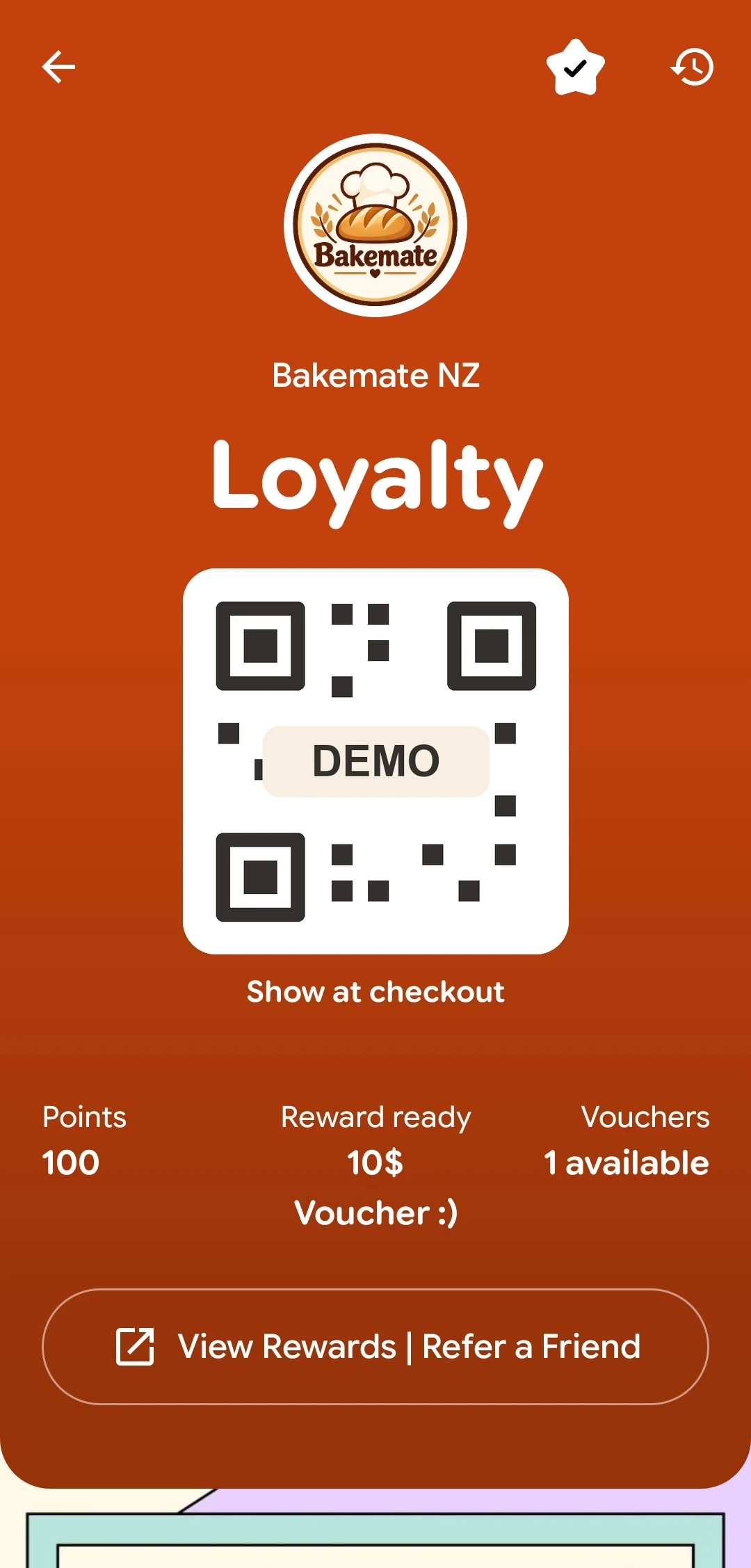
A realistic counter workflow
Place a branch-specific NFC stand or QR code by the till. New customers enter their details once; promotional email consent is optional and separate.
An approved staff device confirms the purchase before a stamp or points are added. A customer cannot award themselves a visit by refreshing a link.
Customers can see their progress and unlocked rewards on their phone. Staff redeem a chosen reward when the customer comes back.
The earning rule, reward and approved devices are set during your programme setup. See the complete product flow.
Choose a useful reward
Start with one reward that is easy to explain at the counter. Keep the reward affordable at your normal margin, then use the reward cost calculator to test the numbers before publishing it.
Use the reward cost calculator to test your own assumptions. It does not set the reward for you or send your inputs anywhere.
Starter covers a digital card and one reward tier. Loyalty adds a daily text Wallet update; Campaign adds multiple reward tiers, email campaigns and inactive-customer reminders. Refer-a-friend and Online Gift Vouchers are optional add-ons for Loyalty or Campaign.
Compare current plans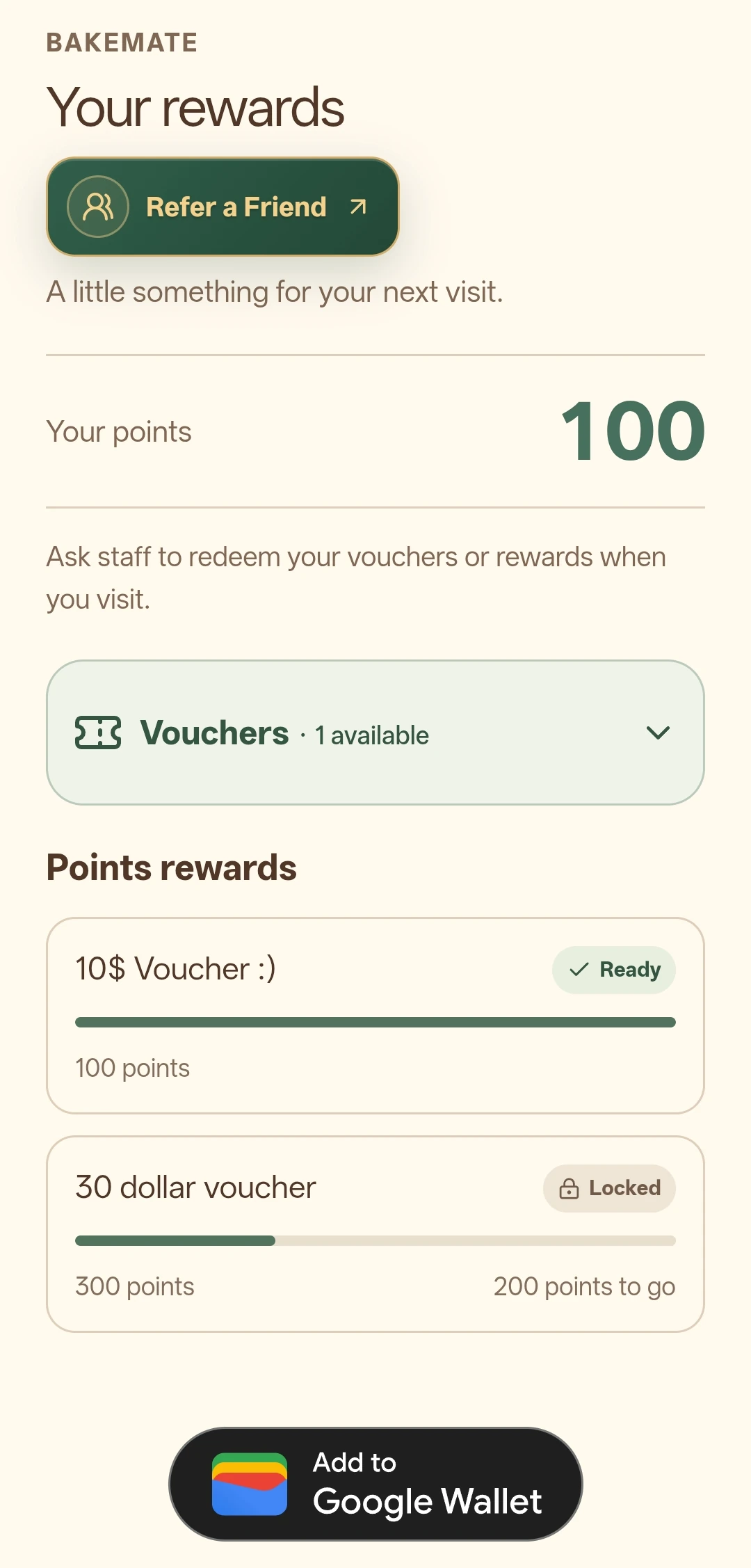
Keep the promise clear
Features and limits depend on the current plan, add-ons, branch setup and customer eligibility. The plan comparison gives the current included features and prices.
Practical questions
No. Your approved staff checkout screen confirms the actual purchase before a stamp or points are added.
Yes. You set the reward and threshold for your own business. The amounts shown in product screenshots are examples.
This flow uses FiveStar's staff checkout screen. An automatic POS integration is not included in the standard flow shown here.
Your next step
Explore a related business guide, or use the pricing page to choose the features that fit your team.