Join in store
Place a QR code or NFC stand where shoppers pay. New customers join on a web page; any promotional email choice stays separate.
FiveStar Loyalty for retail shops
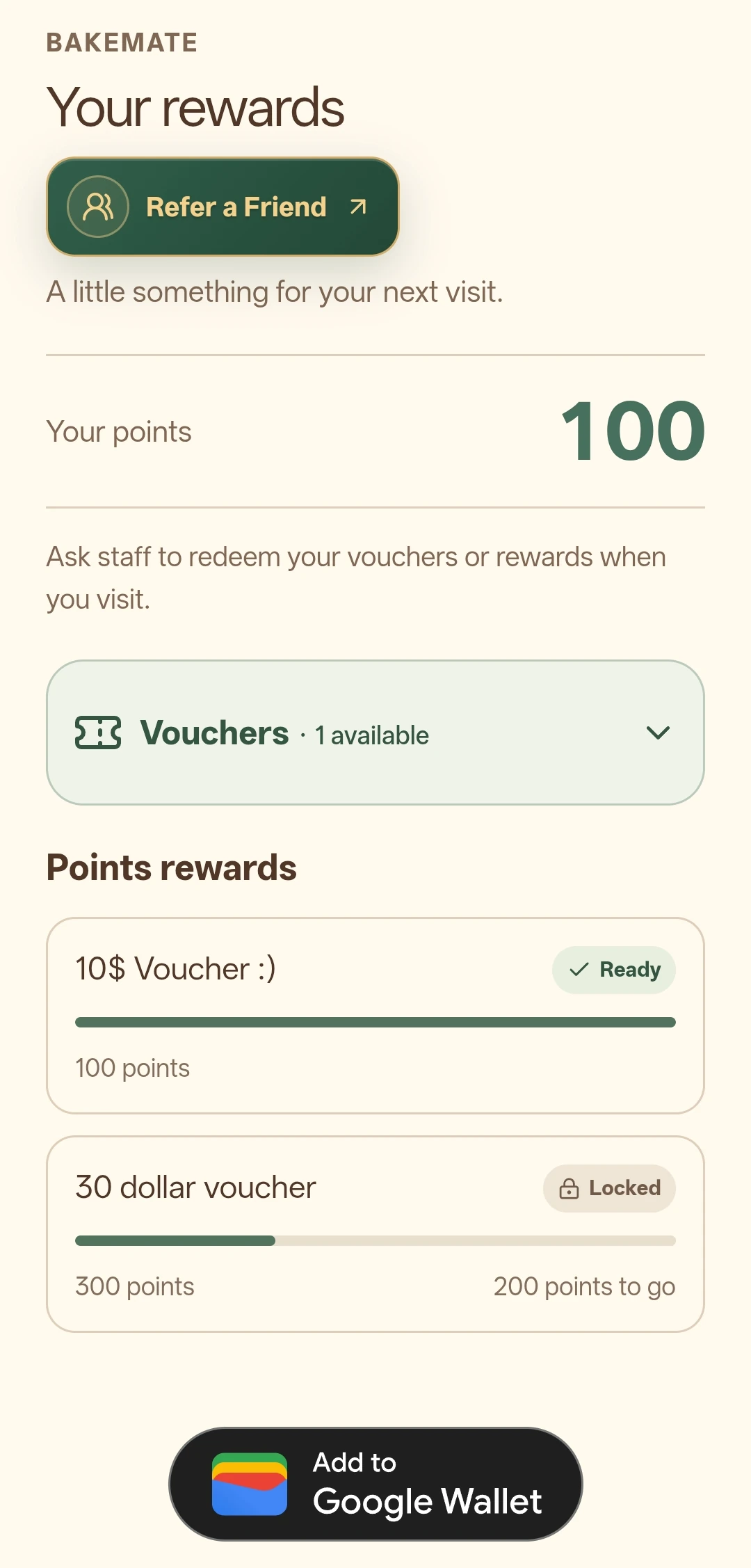
A shopper joins at your counter and keeps a branded loyalty pass in their everyday Wallet. When staff confirm an eligible purchase, the shopper can see their updated points and progress towards the reward you set.
For a shop selling products at different prices, spend points often make the value of each eligible purchase easier to explain than a flat visit stamp. Set the earning rule and reward with your own margins in mind.
A realistic counter workflow
Place a QR code or NFC stand where shoppers pay. New customers join on a web page; any promotional email choice stays separate.
Your approved staff checkout screen confirms the purchase amount and awards points. The Wallet pass reflects the updated balance.
Customers check progress from their phone. Once a reward unlocks, staff redeem it at an eligible checkout.
The earning rule, reward and approved devices are set during your programme setup. See the complete product flow.
Choose a useful reward
A spend-based programme can distinguish a small item from a larger basket. Make the reward cost visible before launch, and explain any excluded purchases clearly to your team and customers.
Use the reward cost calculator to test your own assumptions. It does not set the reward for you or send your inputs anywhere.
Starter includes a digital card and one reward tier. Campaign supports multiple tiers and opted-in email campaigns; Loyalty and Campaign can add Online Gift Vouchers or Refer-a-friend. Use the plan comparison for current allowances and device limits.
Compare current plansKeep the promise clear
Features and limits depend on the current plan, add-ons, branch setup and customer eligibility. The plan comparison gives the current included features and prices.
Practical questions
Yes. Spend-Points Mode awards points from the staff-confirmed eligible sale amount.
With the optional Online Gift Vouchers add-on on Loyalty or Campaign, you can share a link or QR and choose the eligible branches and expiry dates.
No. Promotional email requires that customer's current, merchant-specific opt-in and remains subject to suppression and plan limits.
Your next step
Explore a related business guide, or use the pricing page to choose the features that fit your team.