Offer a quick signup
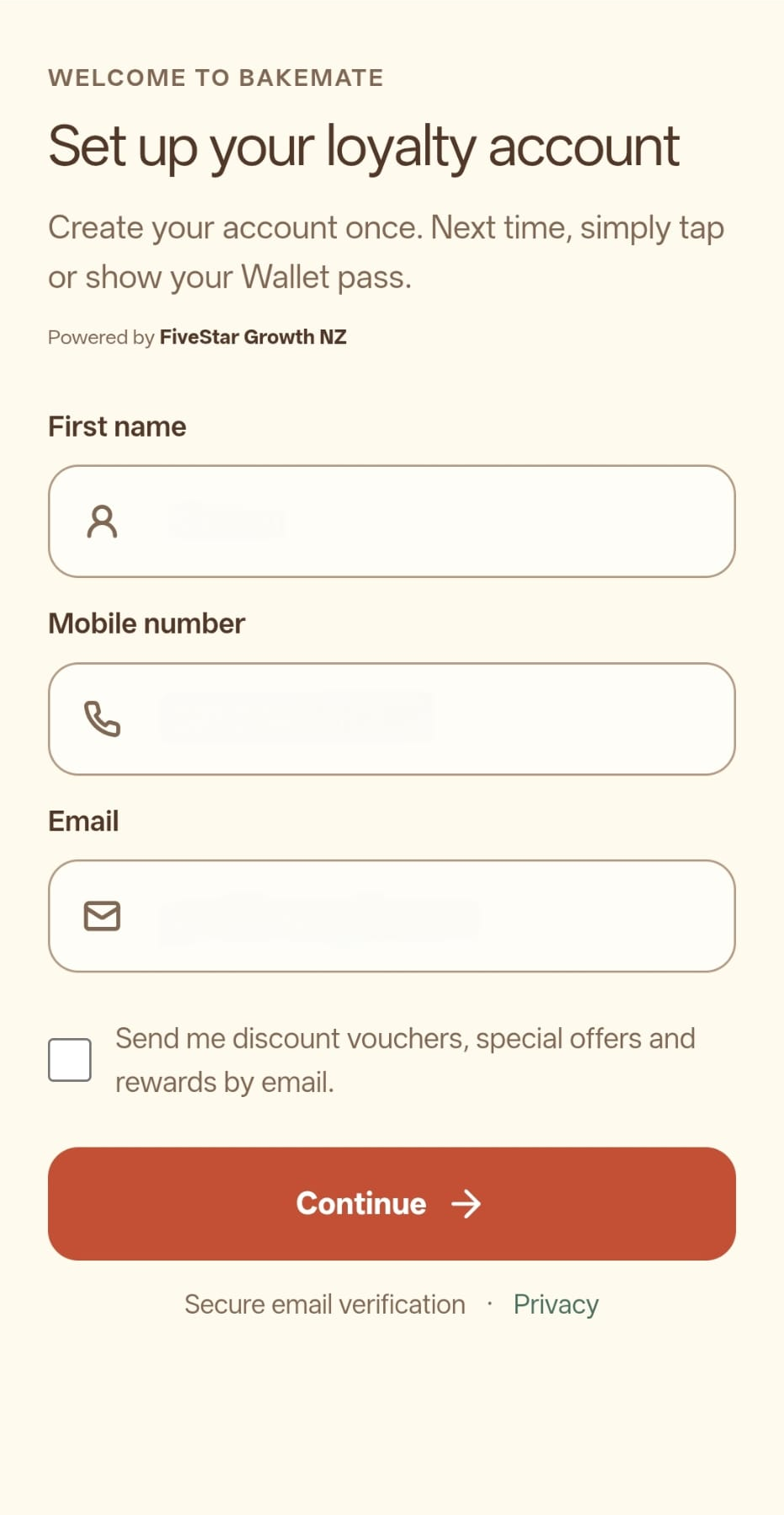
Put the branch's QR code or NFC stand where customers already order or pay. They join on their phone and can keep the pass in Wallet.
FiveStar Loyalty for restaurants & takeaways
A customer can join while ordering or paying by scanning your QR code. Staff confirm a real purchase at checkout, and the customer keeps their points or stamps on a Wallet pass for another meal.
A takeaway might use visit stamps for a simple repeat-order reward. A restaurant with different table spends might prefer points based on eligible spend. Either way, reward progress follows a confirmed sale rather than a menu view or reservation.
A realistic counter workflow
Put the branch's QR code or NFC stand where customers already order or pay. They join on their phone and can keep the pass in Wallet.
An approved staff device records the qualifying sale and adds the corresponding stamp or points.
Customers see their progress and available reward. Your team redeems a selected reward when the customer returns.
The earning rule, reward and approved devices are set during your programme setup. See the complete product flow.
Choose a useful reward
Choose a reward that works for both your kitchen and your margin. A clear threshold is easier for staff to explain quickly and easier for customers to remember.
Use the reward cost calculator to test your own assumptions. It does not set the reward for you or send your inputs anywhere.
Starter handles a basic digital reward. Loyalty adds text Wallet updates and optional referrals or gift vouchers. Campaign adds opted-in email campaigns, picture Wallet updates, multiple reward tiers and automatic inactive-customer reminders.
Compare current plans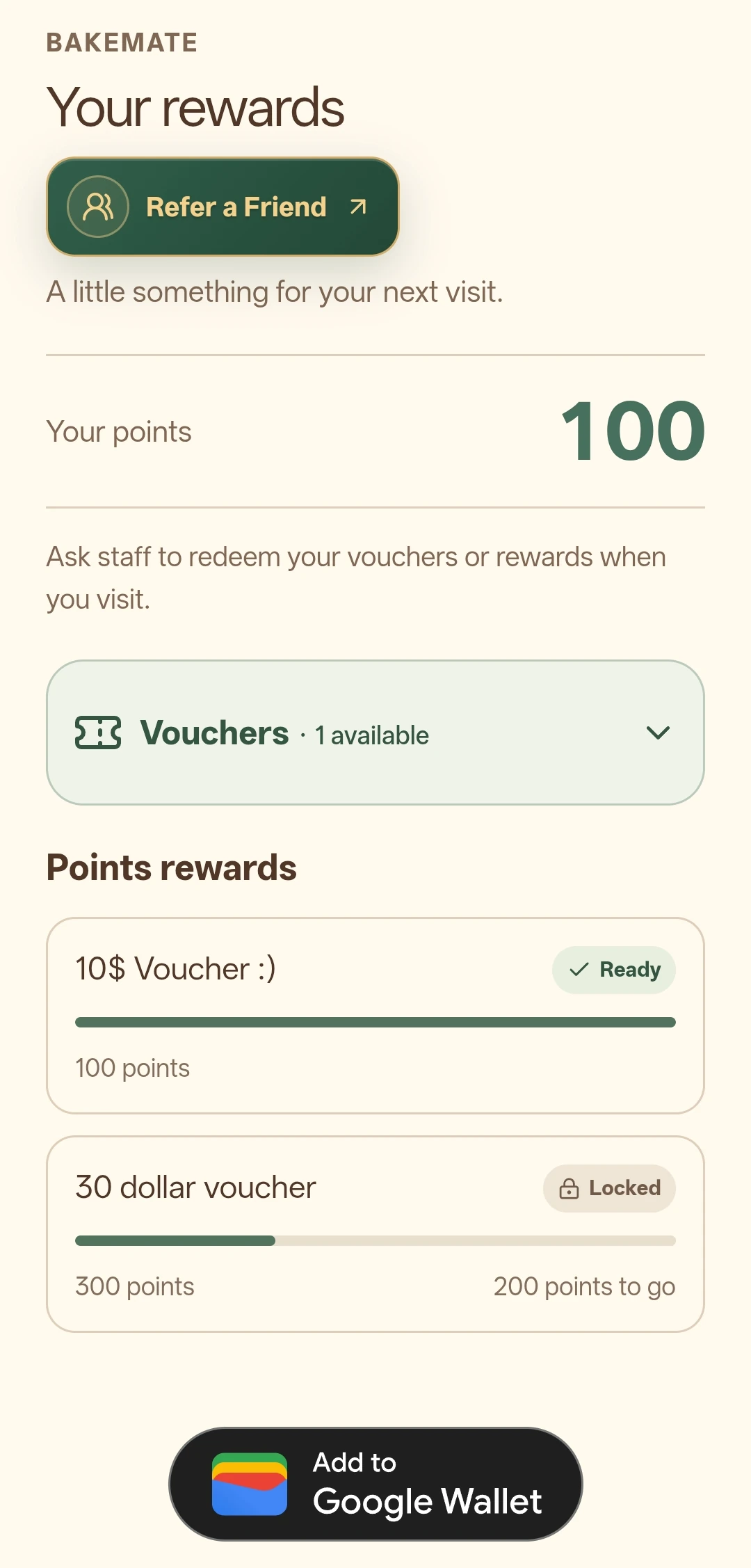
Keep the promise clear
Features and limits depend on the current plan, add-ons, branch setup and customer eligibility. The plan comparison gives the current included features and prices.
Practical questions
Yes. They may sign up from the branch QR code or NFC stand, but their reward balance changes only after staff confirm a qualifying purchase.
You can start with one branch programme and choose the earning rule that fits your service. Multiple approved branches can be managed with eligible plans and location add-ons.
Campaign includes picture Wallet notifications with a custom message. They require a saved pass and share the text notification's 24-hour sending limit.
Your next step
Explore a related business guide, or use the pricing page to choose the features that fit your team.